
Home > News > Industry News > FAMA Countdown Traffic Light Module Troubleshooting Guide for Common Issues


FAMA Countdown Traffic Light Module Troubleshooting Guide for Common Issues
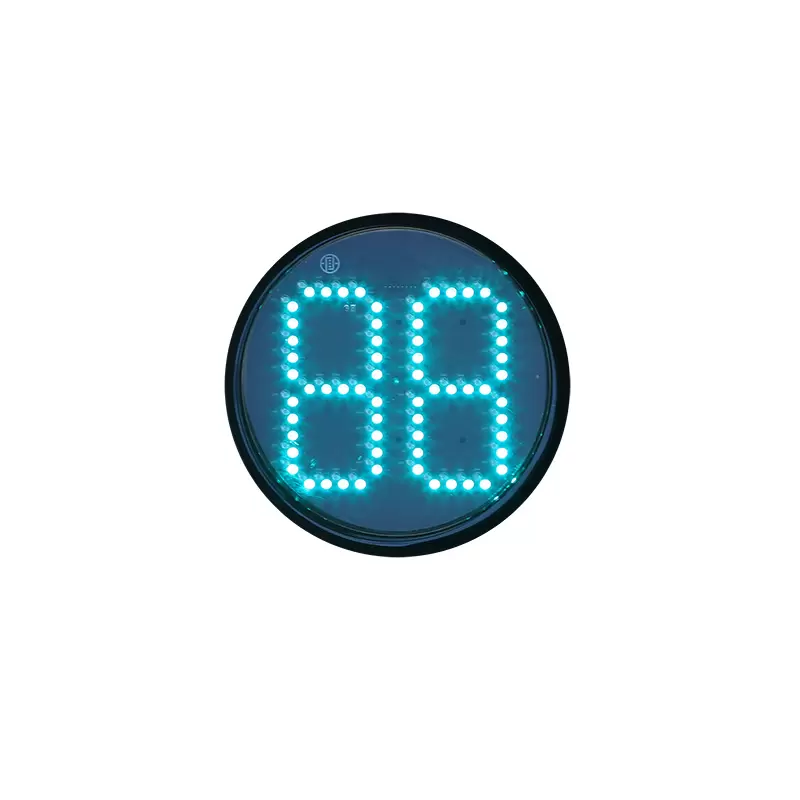
Many people have problems using a Countdown Traffic Light Module. They might see strange display problems or timing mistakes. These issues can make intersections less safe. FAMA is a top company in the world for traffic signals. The company sells and exports more than most others. FAMA is known for smart manufacturing and new ideas in transportation. FAMA works hard to make sure each module is high quality. This helps cities have safer and smarter traffic. Good troubleshooting keeps drivers, walkers, and city roads safe.
Key Takeaways
Check and clean the countdown traffic light module often. This helps people see it clearly and stops accidents.
Use a step-by-step troubleshooting process. This helps you find and fix problems like dim displays or wrong timing fast.
Use FAMA-certified parts when you repair the module. This keeps traffic signals safe and high quality.
Test the module on a schedule. This helps you find problems early and keeps traffic moving well at intersections.
Make sure certified technicians install the module. This lowers future problems and makes the module last longer.
Common Faults and Solutions for Countdown Traffic Light Module
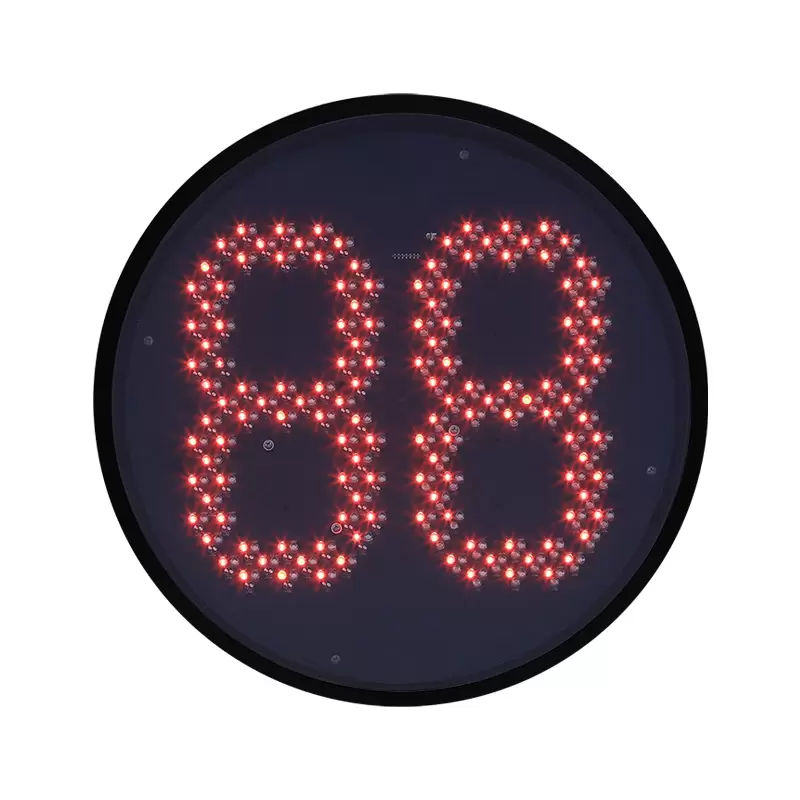
FAMA is the top company for traffic signal lights in China. They make the countdown traffic light module to work well at city intersections. The module has smart features like adaptive detection and dual surge protection. It also lets you change settings easily. But sometimes, people still have problems with it. Knowing about these problems and how to fix them helps engineers and project managers keep intersections safe.
Module Not Lighting Up
If the countdown traffic light module does not turn on, it can confuse drivers and people walking. When the signal does not show, drivers might not know when to stop or go. This can make people do dangerous things, like running red lights or stopping suddenly.
Possible Causes:
Power supply interruption
Faulty wiring or loose connections
Damaged light board or control board
Solutions:
1. Check if the power source is working right.
2. Look at all wires to see if they are loose or rusty.
3. See if the light board or control board looks broken.
4. Change broken parts with FAMA-certified parts.
Tip: Test the module often after you put it in. Make sure all the signals work right.
Dim Display or Flickering
If the display is dim or flickers, it is hard to see. This is worse when it is sunny or raining a lot. If drivers cannot see the signal, they might get confused. This can cause more accidents at intersections.
Possible Causes:
Degraded optical lens or lamp bowl
Faulty LED components on the light board
Inconsistent power supply
Solutions:
Clean the optical lens and lamp bowl to get rid of dust or water.
Change broken LEDs or the whole light board if needed.
Make sure the power supply is steady and surge protection is on.
Note: FAMA modules use strong optical lenses and waterproof rings. This helps them stay bright and last longer, even in bad weather.
Flashing After Power-Off
If the countdown traffic light module keeps flashing after you turn it off, there may be leftover power or a problem with the control board. This can distract drivers and make them unsure at intersections.
Possible Causes:
Residual power in the control board
Faulty surge protection circuit
Solutions:
Safely remove leftover power from the control board before fixing it.
Check and change the surge protection parts if needed.
Reset the module by following the user manual steps.
Incorrect Timing
If the countdown traffic light module has wrong timing, traffic can get messed up. Drivers may speed up when the timer gets close to zero. They try to beat the red light. This makes accidents more likely, especially when it is busy.
Common Causes:
Signal synchronization errors
Communication failures between modules
Software configuration mistakes
Solutions:
Make sure all signals are in sync with the traffic light controller.
Check the communication lines and settings for mistakes.
Update the software so it fits what the intersection needs.
Scenario: In a real project, FAMA engineers used adaptive detection to change timing using real-time traffic data. This made the intersection safer. For more, see FAMA's project and product pages.
Unresponsive Controls
If the controls do not work, operators cannot change the signal settings. This can slow down emergency help or fixing problems. It makes the intersection work less well.
Possible Causes:
Faulty control board
Software glitches
Incompatible traffic light controller
Solutions:
Restart the module and the traffic light controller.
Update the software to the newest version.
Change the control board if it still does not work.
Tip: FAMA modules work with most controllers. This makes it easy to connect them.
Communication Failures
If the countdown traffic light module cannot talk to the main system, the signals may show wrong information. Drivers can get confused, and this can be dangerous.
Possible Causes:
Damaged communication cables
Interference in wireless traffic light controller systems
Incorrect protocol settings
Solutions:
Check and change broken cables.
Look for wireless problems and move equipment if needed.
Set up the communication protocol the right way for the system.
Safety Note: Good communication makes sure all signals show the right countdown. This helps stop confusion and lowers accident risks.
Summary Table: Common Faults and Solutions
Fault | Possible Cause | Solution |
Module Not Lighting Up | Power/wiring/control board | Inspect, repair, or replace components |
Dim Display or Flickering | Lens/LED/power issues | Clean, replace, or stabilize power |
Flashing After Power-Off | Residual charge/surge fault | Discharge, inspect, reset |
Incorrect Timing | Sync/comm/software error | Synchronize, check comms, update software |
Unresponsive Controls | Control/software/controller | Restart, update, replace |
Communication Failures | Cable/wireless/protocol | Inspect, relocate, configure |
The countdown traffic light module from FAMA has strong parts like the optical lens, light board, control board, waterproof ring, and lamp bowl. These parts, along with adaptive detection and dual surge protection, help the module last a long time. By using these common faults and solutions, cities can keep intersections safe and working well. For more advanced help and real examples, visit FAMA's project and product pages.
Solutions for Traffic Signal Timing Issues
Identifying Timing Errors
Traffic signal timing problems can make intersections unsafe. When signals do not work together, cars get stuck and wait longer. Drivers can get upset and may make risky choices. This can cause more accidents. Engineers watch the signals and collect data to find mistakes. They use real-time data to see if signals change at the right time. If the lights look dim or there is a wiring problem, it might mean there is a timing issue. Checking the controllers and looking at data logs helps see if the countdown timers match the traffic.
Causes of Poor Coordination
Traffic signal timing issues can happen for many reasons. Programming mistakes, bad circuit connections, and old controllers are common causes. If controllers do not share data or lose sync, signals stop working together. This can happen if there is interference in the circuit or if data tools are not used. Not checking and fixing signals often can make small problems worse. Without regular checks, drivers may see signals that do not fit the traffic. This can confuse people and make them act unsafely.
Step-by-Step Solutions
A step-by-step plan helps fix traffic signal timing problems. These steps help engineers make signals work together again:
1. Look at all equipment and detectors. Check the circuit in the cabinet and see if there are problems. Make sure all controllers and detectors work right. Clean video cameras and check if inductive loops are broken.
2. Try out and test fixes. Change timing settings, fix or swap broken circuit parts, and update controller software. Change detector settings and use data to see if things get better.
3. Keep watching and fixing signals. Plan regular timing checks and use tools to collect data. Look at controller settings and logs to find new problems early. Use a system to track complaints from drivers.
FAMA’s smart signal control uses advanced controllers and real-time data to help signals work better. These controllers keep timing steady and lower mistakes. For real examples, check FAMA’s project and product pages.
Troubleshooting Checklist for Countdown Traffic Light Module
A step-by-step troubleshooting checklist helps engineers and project managers find and fix problems with the FAMA Countdown Traffic Light Module fast. This checklist has steps for looking, checking wires, and checking software. It makes sure the module and the traffic light controller work together. This helps keep intersections safe and running well.
Visual Inspection
Look at the module case for cracks, water leaks, or damage.
Check if the optical lens and lamp bowl have dirt or fog.
Make sure all indicator lights are bright and not flickering.
See if any connectors are loose or rusty at the module or controller.
Tip: Clean the lens and lamp bowl often. This keeps the lights bright and easy to see, even when there is a lot of dust or rain.
Electrical Checks
Make sure the power supply voltage is right for the module (usually 85-265V AC).
Test all wires to see if they are connected well.
Look at surge protection parts for damage or wear.
Check if the traffic light controller or wireless traffic light controller gives steady power and signals.
Checkpoint | Pass/Fail | Notes |
Power supply voltage | ||
Wiring connections | ||
Surge protection status | ||
Controller output |
Software Review
Make sure the module firmware is the newest FAMA version.
Check settings for the right countdown timing and sync.
Look at communication protocol settings to see if they match the traffic light controller.
Read event logs to find error codes or strange actions.
Note: FAMA modules can use different communication protocols. This lets them work with many smart city systems.
When to Contact FAMA Support
Call FAMA technical support if:
The module still does not work after all checks.
Timing or communication problems keep happening.
Broken hardware makes things unsafe or not follow rules.
You need help with connecting to a wireless traffic light controller.
For more help and product info, go to the FAMA product page.
Preventive Solutions and Maintenance Tips
Regular Cleaning
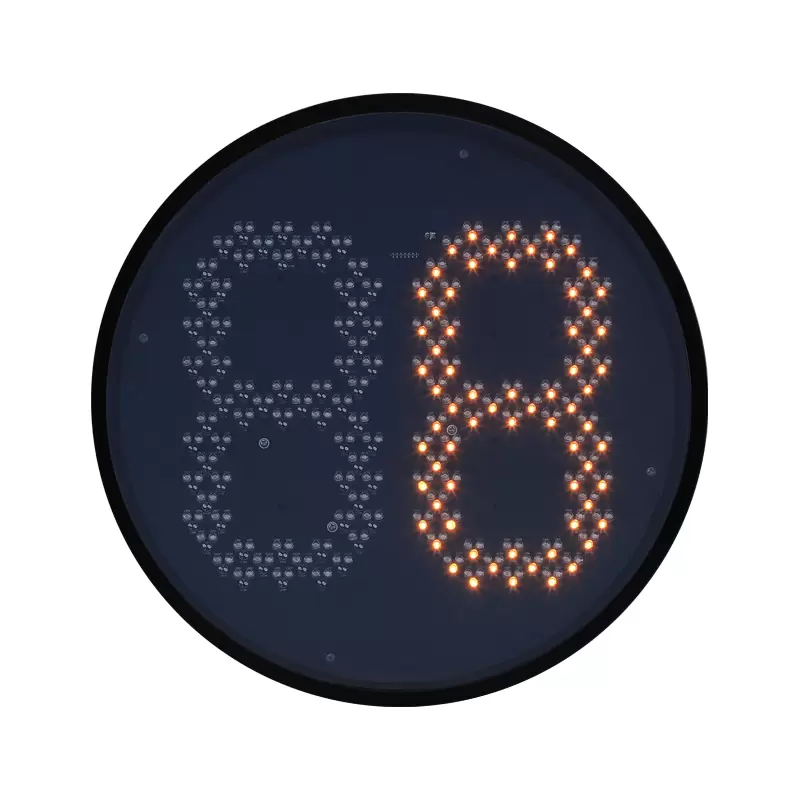
Cleaning the FAMA Countdown Traffic Light Module often keeps it bright. Dirt, rain, and pollution can make the optical lens and lamp bowl dirty. This makes the display less bright. Engineers should clean the lens and case a lot, especially after storms or in busy places.
Look at the lens and case for dirt or water spots.
Wipe the surfaces with a soft cloth and mild cleaner.
Check if there is fog or water inside the module.
Tip: Cleaning after storms helps stop accidents and keeps signals easy to see for everyone.
Installation Best Practices
Good installation helps the module work with any traffic light controller, even wireless ones. Installers should do these things for the best results:
Put the module at the right height and angle so people can see it.
Make sure all wires are tight so they do not come loose.
Use waterproof seals to keep out rain and dust.
Test the module with the traffic light controller before finishing the job.
A module that is put in well has fewer problems and lasts longer. FAMA says only certified technicians should install the modules.
Scheduled Testing
Testing on a schedule helps engineers find problems early. Regular checks and tests keep the countdown timer working right. How often you test depends on how busy the road is and the weather.
Check modules every month at busy intersections.
Test all parts after power surges or storms.
Look at timing and communication with the traffic light controller each time you check.
Note: Regular testing stops surprise problems and helps keep intersections safe.
FAMA keeps making its modules better with new features and strong designs. These steps help cities keep intersections safe and help FAMA reach its goal of smarter city travel.
Fixing problems and timing mistakes in FAMA countdown traffic light modules helps keep roads safe and traffic moving well. Doing regular checks and taking care of the modules gives many good results:
Stop the equipment from breaking and help prevent accidents.
Find dangers early and make sure safety rules are followed.
FAMA uses smart ideas like dual surge protection and adaptive detection circuits to help the modules last longer. These new features mean less fixing is needed and the modules work well for a long time. To get the best results, cities and engineers should use FAMA’s technical support and trusted solutions.
FAQ
What should engineers do if the countdown timer shows the wrong time?
Engineers need to look at the traffic light controller settings. They must check if the modules are working together. If the problem does not stop, they should update the software. If it still does not work, they can ask FAMA support for help.
Can the FAMA Countdown Traffic Light Module work with a wireless traffic light controller?
Yes, it can. The module works with both wired and wireless controllers. This makes it easy for engineers to upgrade intersections. They do not have to change the whole system.
How often should teams test the countdown traffic light module?
Teams should test the module once a month at busy intersections. If there is a storm or power surge, they should check again. These extra checks help stop problems before they happen.
What makes FAMA modules suitable for complex intersections?
FAMA modules use adaptive detection and dual surge protection. These features help the module work well in heavy traffic and bad weather. The modules also work with many communication protocols. This helps them fit into different systems.
Who should install or repair FAMA countdown traffic light modules?
Only certified technicians should put in or fix these modules. Good installation keeps things safe and helps the modules last longer.


